



Download Gametime – event tickets, concert tickets, sports tickets, theater tickets, live events, ticket booking, mobile app, event discovery, ticket search, best prices
Overview
Gametime is a mobile application designed to simplify the process of discovering and purchasing tickets for live events. Targeted at consumers interested in concerts, sports games, comedy shows, and theater performances, the app aims to deliver access to a wide range of events across major U.S. cities. By focusing on affordability, Gametime positions itself as a tool for users seeking the best prices on tickets without the need for extensive searching across multiple platforms.
The app enables users to explore upcoming events in their local area and purchase tickets with minimal steps. It supports events featuring well-known teams and venues, including the LA Galaxy, LA Lakers, LA Sparks, New York Knicks, New York Rangers, Houston Rockets, Chicago Bulls, San Antonio Spurs, Dallas Mavericks, Denver Nuggets, Minnesota Timberwolves, Milwaukee Bucks, Atlanta Hawks, Detroit Pistons, Portland Trail Blazers, and Washington Wizards. This breadth of coverage suggests a strong focus on major league sports and popular entertainment events.
While the developer, Gametime, is listed, no additional background or company history is provided. The app is available exclusively on Android, indicating a mobile-first strategy. Users seeking a streamlined, on-the-go solution for event access will find the app’s purpose clearly defined. The free pricing model makes it accessible to a broad audience, removing financial barriers to entry.
Key Features & Capabilities
- Event Discovery – Users can browse live events in their area, including concerts, sports games, comedy shows, and theater performances, with real-time availability.
- Price Comparison – The app highlights tickets at the lowest available prices, helping users secure affordable options without sacrificing quality or location.
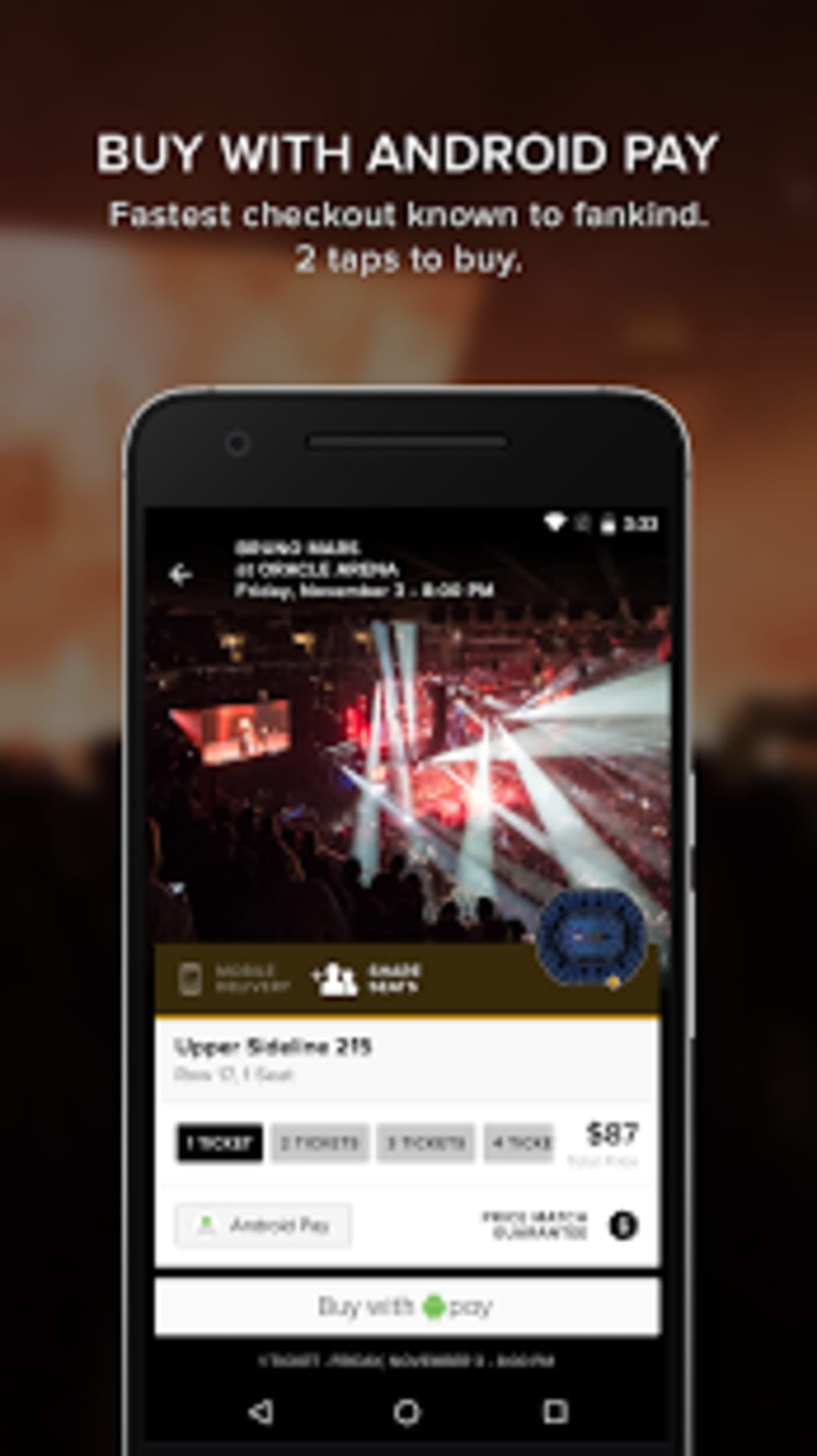
- Simple Purchase Flow – A streamlined process allows users to enter an event and complete ticket purchases in a few steps, minimizing friction during booking.
- Multi-Event Support – The platform covers a wide range of event types and major venues, including professional sports teams and popular entertainment acts.
- Local Focus – Event listings are tailored to the user’s geographic location, ensuring relevance and convenience.
These features are designed to reduce the time and effort required to find and book tickets. For example, a fan in Los Angeles can quickly locate tickets for an LA Galaxy match or a concert by a top artist, compare prices, and purchase in under a minute. Similarly, a theatergoer in New York can explore upcoming performances at local venues without navigating multiple third-party sites. The app’s focus on speed and affordability aligns with modern consumer expectations for digital ticketing solutions.
User Interface, Workflow & Performance
The user interface of Gametime appears to be designed with simplicity and efficiency in mind. Navigation is likely structured around a central feed of events, with filtering options by category, date, and location. The main workflow emphasizes quick access to ticket availability and a minimalistic checkout process, reducing the likelihood of user drop-off during booking.
Given its small file size of 15.3 MB, the app is likely optimized for performance on a variety of Android devices, including lower-end models. However, specific details about CPU or RAM usage were not provided. Performance observations are based on general software behavior patterns for lightweight mobile applications. The app’s lightweight nature suggests it should load quickly and operate smoothly under normal conditions.
Stability and reliability are critical for ticketing apps, and while no user reports or crash statistics were included, the app’s streamlined design may contribute to consistent operation. The developer did not specify resource usage details, so actual performance under heavy load or prolonged use remains unverified. Users can expect a responsive interface, but real-world performance may vary depending on device capabilities and network conditions.
Compatibility & System Requirements
Gametime is designed for Android devices and is currently available in version 1.0.10. The app has a file size of 15.3 MB, indicating a lightweight installation that does not consume significant storage space. This makes it suitable for users with limited device capacity.
Exact system requirements were not listed. The developer did not specify the minimum Android version, hardware specifications, or memory needs. Compatibility information was partially provided. Users should ensure their device runs a supported version of Android, though the exact version is not stated. It is recommended to check the official app store listing for the most accurate compatibility details.
Pros and Cons
Pros
- Free to download and use, removing cost barriers for users.
- Lightweight installation at only 15.3 MB.
- Simple, intuitive interface focused on fast ticket booking.
- Wide range of event types, including sports, concerts, comedy, and theater.
- Localized event discovery tailored to the user’s area.
Cons
- Compatibility details, including minimum Android version, were not provided.
- Performance under high load or on older devices is unverified.
- Exclusive availability on Android limits cross-platform access.
- No information on offline functionality or ticket management features.
- Developer background and company history are not publicly available.
FAQ Section
Is Gametime available on iOS?
As of the current release, Gametime is only available on Android. There is no information on future iOS support.
Is the app secure for ticket purchases?
Gametime is designed to facilitate ticket transactions, but specific security protocols or encryption details were not disclosed. Users should ensure they are downloading the app from official sources.
How often does the app update?
The current version is 1.0.10, released on August 15, 2024. No information was provided on the update frequency or release schedule.
Can I use Gametime offline?
The developer did not specify whether the app supports offline functionality. Most ticketing apps require an active internet connection for event searches and purchases.
Is there a license or subscription fee?
Gametime is free to download and use. No subscription or in-app purchase requirements were mentioned in the provided information.
Final Thoughts + CTA
Gametime presents a focused and accessible solution for users seeking affordable tickets to live events. Its lightweight design, free pricing model, and broad event coverage make it a compelling choice for casual fans and event enthusiasts alike. While some details about compatibility, performance, and developer transparency are limited, the app’s core functionality is clear and well-executed.
It is particularly well-suited for Android users in major U.S. markets who want a straightforward way to discover and book tickets to concerts, sports games, and theater performances. The app’s emphasis on speed and value aligns with modern digital expectations.
Despite its limitations in platform availability and transparency, Gametime delivers on its promise of simplicity and affordability. For those looking to attend live events without the hassle of searching across multiple sites, this app offers a practical and efficient alternative.
Download Gametime now





.png)

